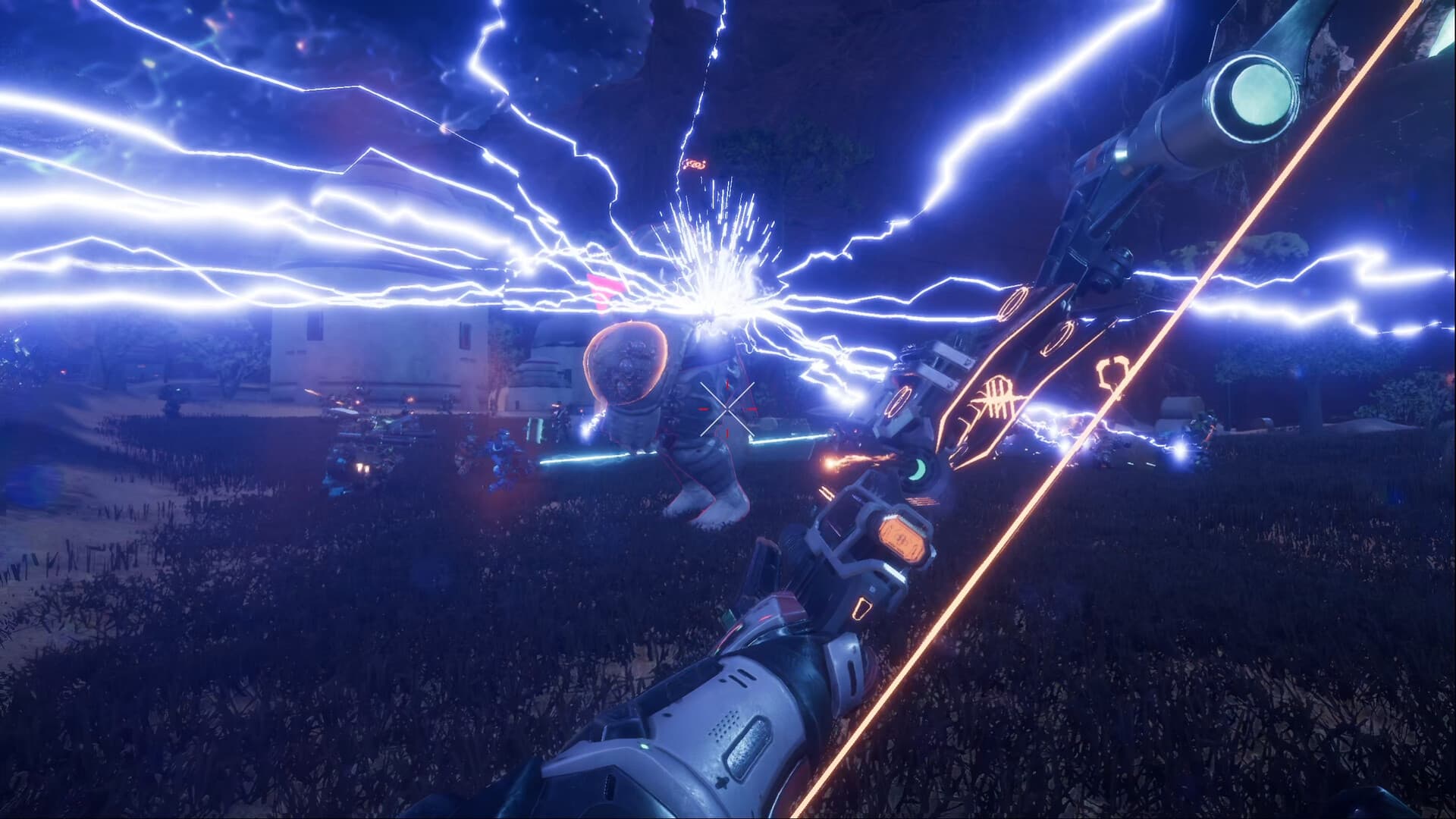
Pax Autocratica requires Windows 10 64-bit, 16 GB RAM, DirectX 11, and 40 GB of available storage at both specification levels. The minimum GPU guidance is split between 1080p and 1440p, while the recommended tier moves to stronger CPU and 8 GB-class graphics hardware. Steam does not promise a frame rate, quality preset, or SSD.
Requirements at a Glance
| Component | Minimum | Recommended |
|---|---|---|
| OS | Windows 10 64-bit | Windows 10 64-bit |
| CPU | Intel i5-8600 / AMD Ryzen 5 1600X | Intel i7-8700K / Ryzen 5 3600 or equivalent |
| Memory | 16 GB RAM | 16 GB RAM |
| GPU | See separate 1080p and 1440p lines below | Steam lists Nvidia GTX 2060 Super / RX 5700 XT, 8 GB+ VRAM |
| DirectX | Version 11 | Version 11 |
| Storage | 40 GB available space | 40 GB available space |
The store writes "GTX 2060 Super" in the recommended line. NVIDIA's retail product is normally named RTX 2060 Super, so preserve the displayed requirement while recognizing the likely naming error instead of silently replacing the original field.
Minimum PC Specifications
The minimum CPU level is Intel i5-8600 or AMD Ryzen 5 1600X with 16 GB RAM. Graphics guidance has two resolution-specific paths:
- For 1080p, GTX 1060 6 GB or Radeon RX 480 with at least 6 GB VRAM.
- For 1440p, GTX 1070 8 GB or Radeon RX Vega 56 with at least 8 GB VRAM.
Those lines should not be flattened into one generic minimum GPU. The 1440p entry asks for more graphics capacity because it targets a larger rendering workload. DirectX 11 and 40 GB of available storage complete the minimum listing.
Available space is not the same as current download size. Installed files, updates, unpacking, and platform overhead can differ from a depot snapshot. Reserve the listed 40 GB rather than planning around one observed download number.
Keep additional free space for updates so Steam can stage and replace changed files without exhausting the drive.
Recommended PC Specifications
The recommended CPU is Intel i7-8700K, AMD Ryzen 5 3600, or an equivalent level. Memory remains 16 GB. The listed GPU pair is Nvidia GTX 2060 Super and Radeon RX 5700 XT with at least 8 GB VRAM. DirectX 11 and 40 GB available space remain unchanged.
Recommended does not mean guaranteed maximum settings. It is the higher official hardware tier without a named frame rate or quality target. Late-game colony load, combat effects, resolution, driver state, cooling, background programs, and Early Access optimization can all influence results.
Compare the exact model and VRAM, not only the product family. A mobile GPU or lower-memory variant can behave differently from a desktop card with a similar name.
What the Specs Do Not Promise
The current specification does not attach 30 FPS, 60 FPS, Low, High, or Ultra labels to either tier. It does not state that an SSD is mandatory. It does not guarantee late-game performance, a particular colony size, or a fixed Steam Deck frame rate.
Third-party tables sometimes add these values because they make the comparison look complete. They should not be treated as product requirements unless they are measured under stated conditions. Use the official hardware fields as a compatibility baseline, then test the live build on the actual system.
Windows 10 as the baseline also does not mean Windows 11 is unsupported. It identifies the named minimum operating system, not an exclusion of later compatible Windows versions.
Current Crash Checklist
If the game crashes, freezes, or remains stuck while loading, use the current practical order:
- Verify the installed game files through Steam.
- Disable Super Resolution or DLSS temporarily.
- Disable Frame Generation temporarily.
- Restart the game and reproduce the same action once.
- Record the Build ID, hardware, driver, and the exact point of failure.
AG-14 says it attempted to fix a crash involving FSR. "Attempted" is not a guarantee that every affected configuration is resolved. Keep the setting disabled during diagnosis when it changes the result.
For Steam Deck, remember that the current Playable badge was tested on an earlier build. Use the Platforms Guide for that compatibility boundary. A system at or above the table can still encounter an Early Access defect; requirements describe hardware expectations, not freedom from software bugs.